


Smart Review Routing in
3 Simple Steps
See exactly how RatingTap protects your reputation and grows your 5-star reviews automatically.
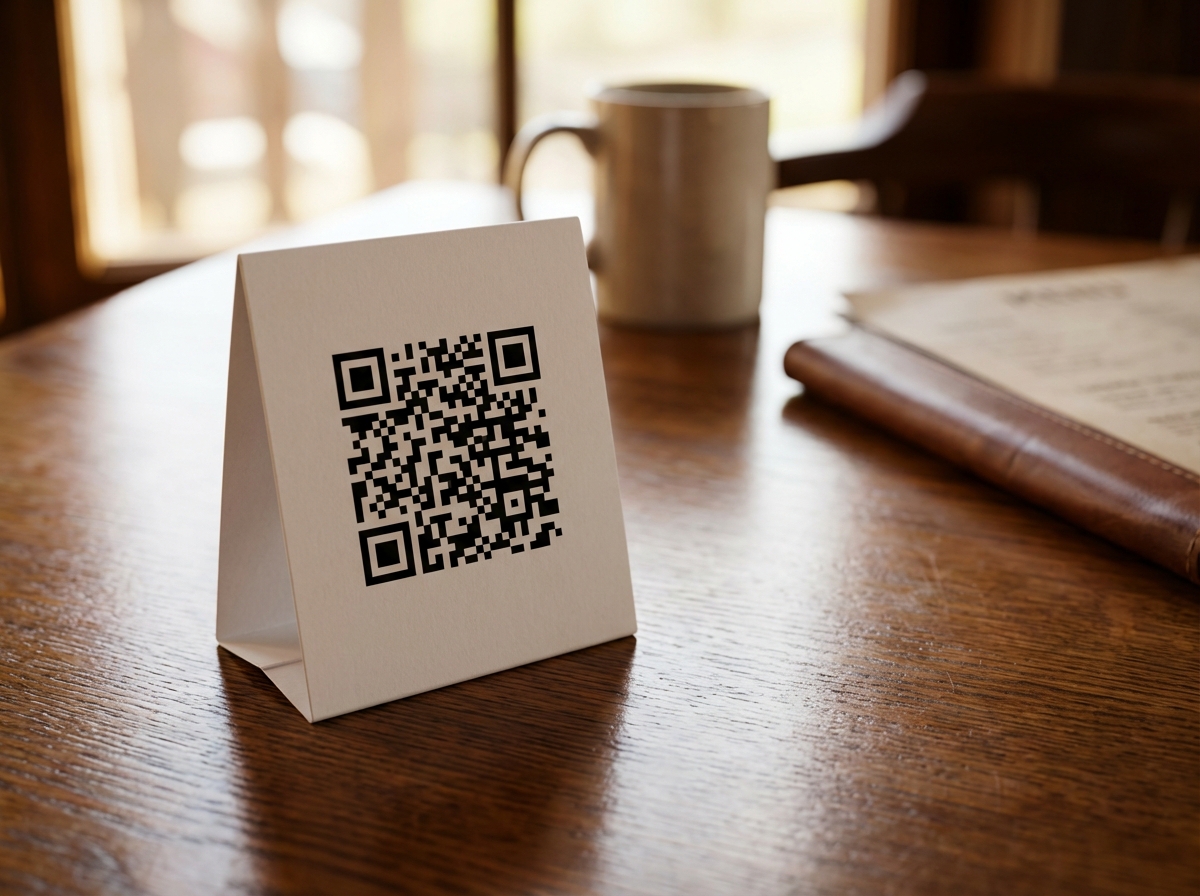 Table Tent
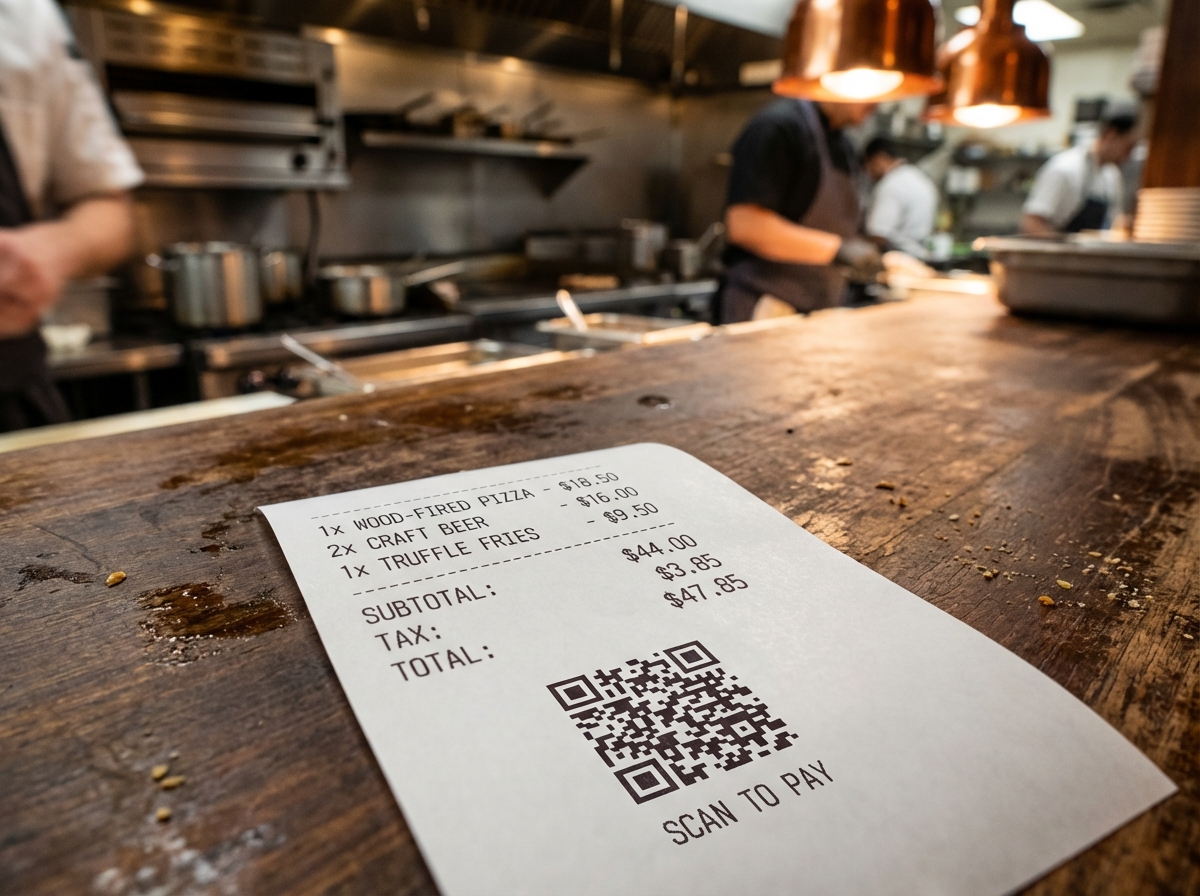 Receipt
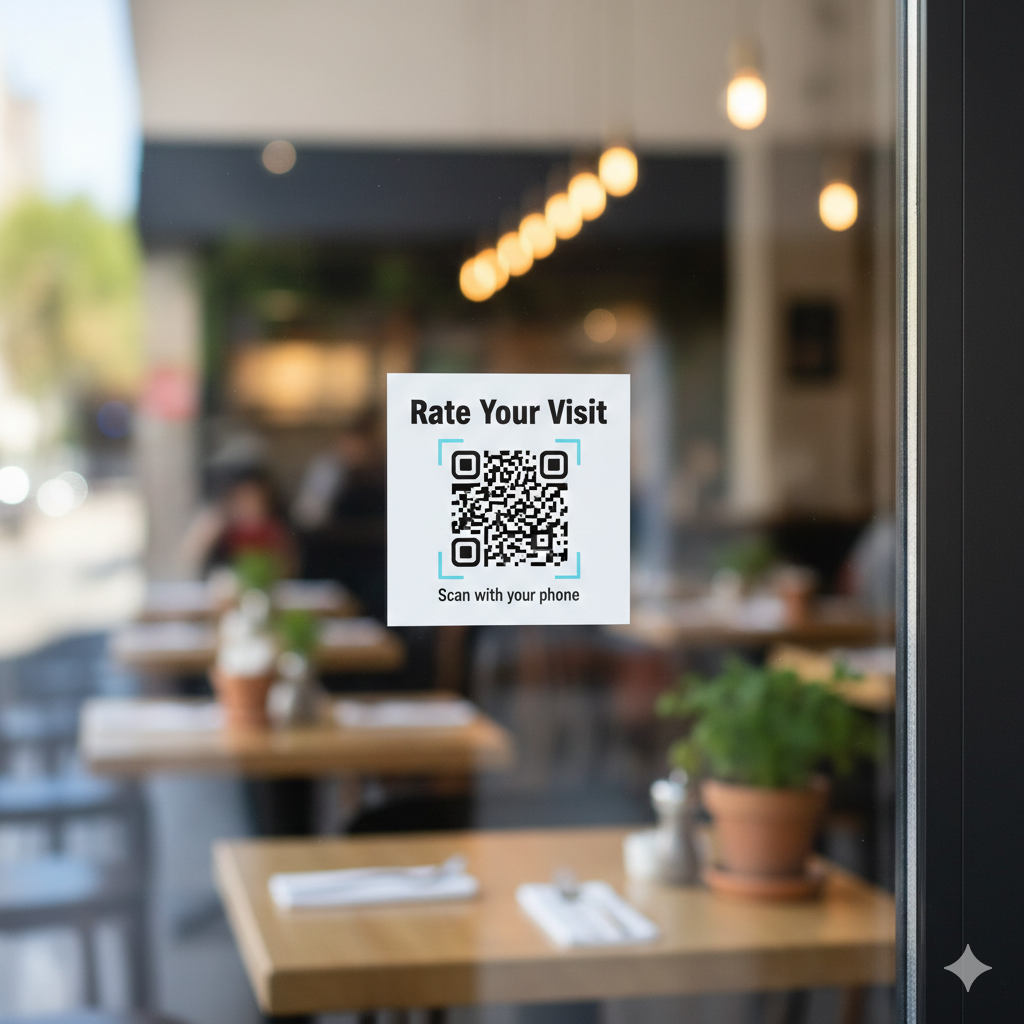 Window Sticker
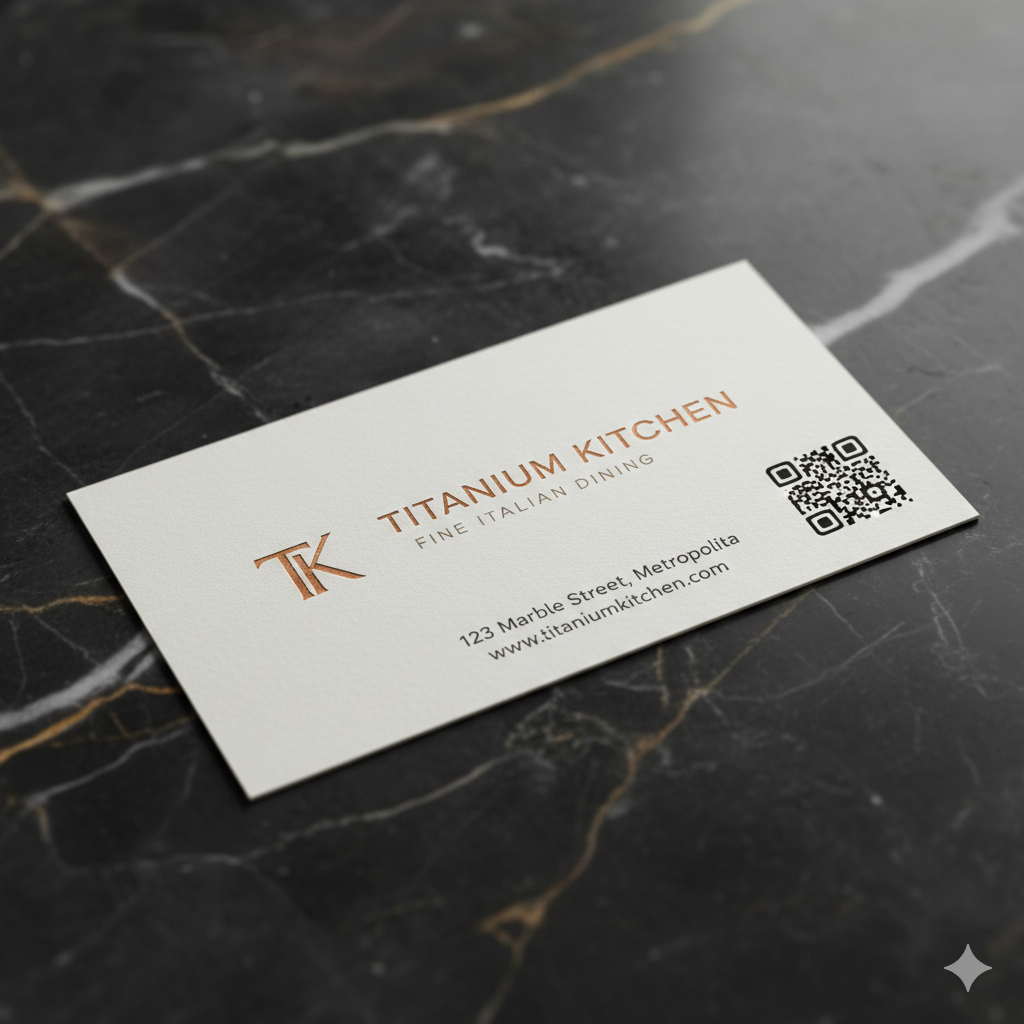 Business Card
Place Your QR Codes
Print your unique QR codes and place them where customers see them - on tables, receipts, at checkout, or on the door. We provide print-ready designs in multiple formats.
- check_circle Table tents and counter stands
- check_circle Receipt footers
- check_circle Door/window stickers
- check_circle Business cards
Customer Rates Their Experience
When customers scan your code, they see a simple, beautiful rating page. Just tap 1-5 stars - no app download, no account creation, takes 3 seconds.
- smartphone Works on any smartphone
- cloud_off No app installation needed
- branding_watermark Your branding and business name
- bolt Fast, friction-free experience

Titanium Kitchen
Fine Dining Experience
How was your experience with us today?
Automatic Sorting
You decide which star ratings go to Google. Most businesses choose 4 or 5 stars.
"Amazing experience at Titanium Kitchen! The food was incredible and the service was top-notch. Highly recommend!"
Private Feedback Form
Unhappy customers see a private feedback form instead. You receive their complaint directly.
What Happens Next
The full cycle of reputation management, automated for you.
Positive Review Posted
Customer leaves a glowing Google review. Your rating improves. New customers find you easier on maps and search.
Private Feedback Received
You get an instant email with their feedback. Reach out, apologize, offer a discount. Turn a complaint into a loyal customer.
Analytics Tracked
Every scan, every rating, every piece of feedback is tracked. See your reputation health at a glance in your dashboard.
See It In Action
Want to see RatingTap in action? Get started for free and try it yourself — setup takes under 5 minutes.
Try It FreeNo credit card required
Ready to Protect Your Reputation?
No credit card required. Set up in 5 minutes.